Kubernetes Notes - Deployments
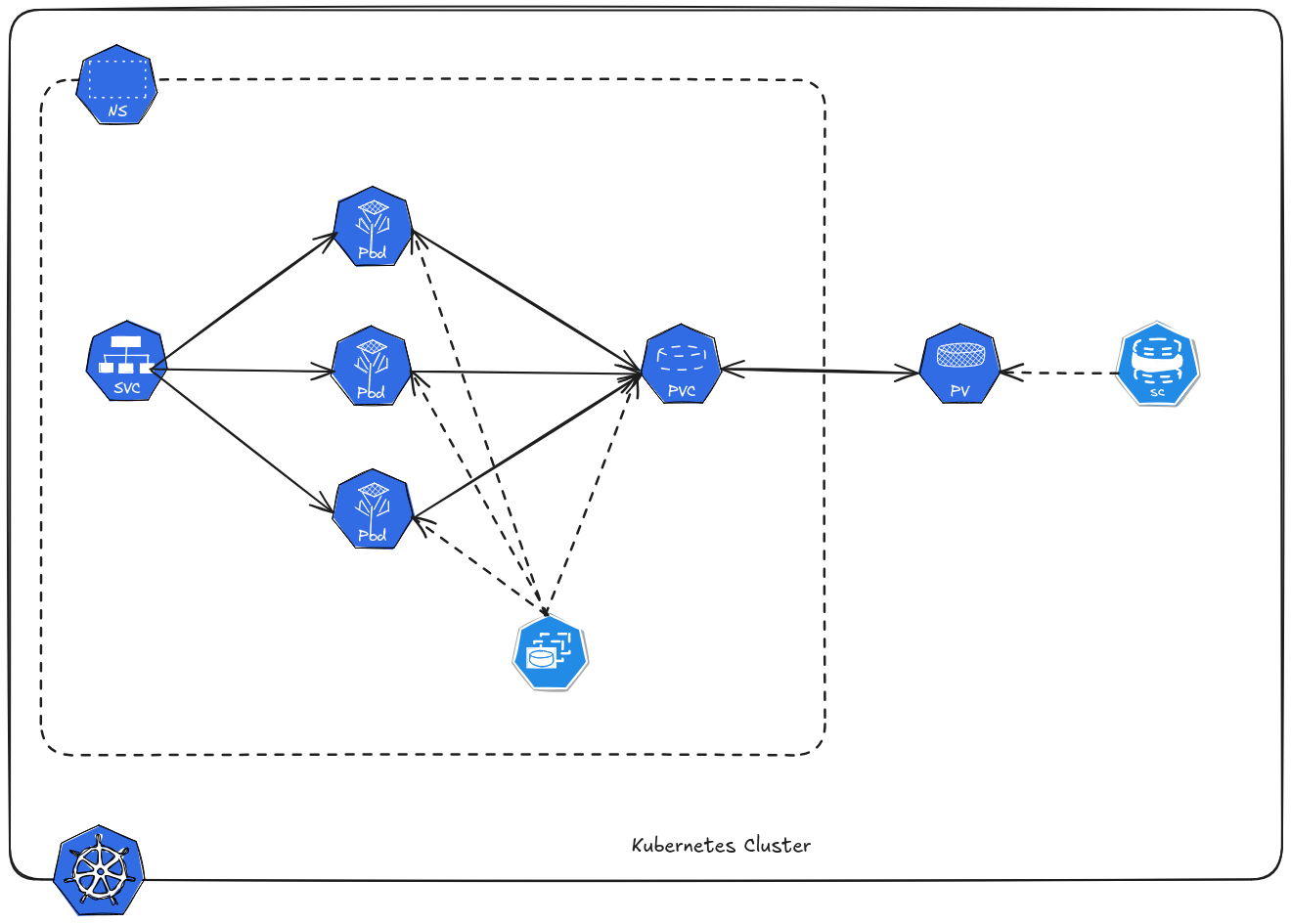 In Kubernetes, ReplicaSets ensure that a specific number of Pods are always running. However, most real applications need to be updated frequently. This is where Deployments come in.
A Deployment is a higher-level Kubernetes resource that manages ReplicaSets and allows applications to be updated, scaled, and rolled back safely.
Table of Contents
Why Deployment?
ReplicaSets ensure that the correct number of Pods are running, but they do not provide advanced update mechanisms.
Most applications require:
- version updates
- zero-downtime deployments
- rollback capability
- easy scaling
Deployments provide these features while still using ReplicaSets underneath.
Architecture
1Deployment
2    ↓
3ReplicaSet
4    ↓
5Pods
6    ↓
7Containers
Example of Deployment Systems
- Web Applications
- REST APIs/Backend Services
- WebSocket
- Frontend Single Page Applications
Create Deployment
deployment.yaml
 1apiVersion: apps/v1
 2kind: Deployment
 3metadata:
 4  name: nginx
 5  labels:
 6    app: nginx
 7spec:
 8  replicas: 2
 9  selector:
10    matchLabels:
11      app: nginx
12  template:
13    metadata:
14      labels:
15        app: nginx
16    spec:
17      containers:
18      - name: nginx
19        image: nginx
Apply configuration.
1kubectl apply -f deployment.yaml -n demo
Check the deployment.
1kubectl get deployments -n demo
2NAME    READY   UP-TO-DATE   AVAILABLE   AGE
3nginx   2/2     2            2           17s
Check the pod created by deployment.
1kubectl get pods -n demo
2NAME                     READY   STATUS    RESTARTS   AGE
3nginx-56c45fd5ff-g48ls   1/1     Running   0          82s
4nginx-56c45fd5ff-nf9xr   1/1     Running   0          82s
Notice that Pods receive random unique suffixes for identification within the cluster.
Rolling Updates
Rolling updates allow Kubernetes to update applications gradually without downtime.
Update the container image, either by changing the image tag in the YAML file or by using kubectl.
1kubectl set image deployment/nginx nginx=nginx:1.28 -n demo
Kubernetes will terminate and recreate new pods with the new image set. If the new image is not running or unhealthy, Kubernetes will not update the remaining replica until the first pod is healthy.
 1k8s-demo kubectl get pods -n demo
 2NAME                     READY   STATUS              RESTARTS   AGE
 3nginx-56c45fd5ff-g48ls   1/1     Running             0          6m46s
 4nginx-56c45fd5ff-nf9xr   1/1     Running             0          6m46s
 5nginx-8874566fb-pxwbx    0/1     ContainerCreating   0          10s
 6➜  k8s-demo kubectl get pods -n demo
 7NAME                     READY   STATUS        RESTARTS   AGE
 8nginx-56c45fd5ff-g48ls   1/1     Terminating   0          6m47s
 9nginx-56c45fd5ff-nf9xr   1/1     Running       0          6m47s
10nginx-8874566fb-nkr8f    0/1     Pending       0          0s
11nginx-8874566fb-pxwbx    1/1     Running       0          11s
If you are using latest tags (this is not advisable in production environment), you need to trigger the rollout using this command.
1kubectl rollout restart deployment/nginx -n demo
This will check if new latest tag is pushed in the container registry, if true it will terminate and recreate the pods.
Rollbacks
Sometimes new versions introduce bugs, Kubernetes makes rollout extremely easy.
1kubectl rollout history deployment/nginx -n demo
2deployment.apps/nginx
3REVISION  CHANGE-CAUSE
41         <none>
52         <none>
63         <none>
This will show the stored previous revision of deployment.
Roll back to the previous version.
1kubectl rollout undo deployment/nginx -n demo
2deployment "nginx" successfully rolled out
Roll back to a specific version.
1kubectl rollout undo deployment/nginx --to-revision=2 -n demo
2deployment.apps/nginx rolled back
Check rollout status.
1kubectl rollout status deployment/nginx -n demo
2deployment "nginx" successfully rolled out