Cilium Gateway API

Cilium Gateway API support is a modern replacement for traditional Kubernetes Ingress controllers.
Instead of relying on standalone ingress proxies, Cilium integrates Gateway API directly into the networking stack using eBPF and Envoy, enabling:
- HTTP / HTTPS routing
- TLS passthrough
- TLS termination
- Traffic splitting
- Header manipulation
- Standards-based ingress with Kubernetes Gateway API
Cilium’s operator acts as the Gateway API controller and manages:
GatewayClassGatewayHTTPRoute- LoadBalancer Services
- eBPF traffic routing
This is similar with Istio Gateway, for our example let’s use the same deployments/apps.
Repo: mcbtaguiad/cilium-demo
Table of Contents
Install
Gateway API CRDs
Apply the Experimental bundle, I encounter this error if I install the standard bundle.
1kubectl logs -f cilium-operator-86b4d5df4f-2j76z -n kube-system
2time=2026-04-27T22:32:11.412977005Z level=fatal msg="failed to start: failed to populate object graph: failed to create gateway controller: failed to setup reconciler: failed to setup field indexer \"backendServiceTLSRouteIndex\": no matches for kind \"TLSRoute\" in version \"gateway.networking.k8s.io/v1alpha2\""
Use Experimental bundle.
1kubectl apply --server-side -f https://github.com/kubernetes-sigs/gateway-api/releases/download/v1.5.1/experimental-install.yaml
Enable Gateway API
I assume that you have cilium already installed.
1cilium upgrage --set gatewayAPI.enabled=true
Verify
1kubectl get gatewayclass
2NAME     CONTROLLER                     ACCEPTED   AGE
3cilium   io.cilium/gateway-controller   True       4m3s
LoadBalancer Pool
Before we create the gateway, we need to create a LB pool that will attached to.
Make sure this is enabled.
1cilium upgrade \
2  --set loadBalancerIPAM.enabled=true \
3  --set l2announcements.enabled=true \
lb-pool.yaml
 1apiVersion: cilium.io/v2
 2kind: CiliumLoadBalancerIPPool
 3metadata:
 4  name: gateway-pool
 5spec:
 6  blocks:
 7    - start: 192.168.254.230
 8      stop: 192.168.254.230
 9  serviceSelector:
10    matchLabels:
11      io.cilium.gateway/owning-gateway: cilium-gateway
12---
13apiVersion: cilium.io/v2alpha1
14kind: CiliumL2AnnouncementPolicy
15metadata:
16  name: l2-policy
17spec:
18  loadBalancerIPs: true
19  externalIPs: true
Gateway
Create gateway.
gateway.yaml
 1apiVersion: gateway.networking.k8s.io/v1
 2kind: Gateway
 3metadata:
 4  name: cilium-gateway
 5  namespace: demo
 6spec:
 7  gatewayClassName: cilium
 8  listeners:
 9    - name: http
10      port: 80
11      protocol: HTTP
Verify if it attached to the LB IP.
1kubectl get svc -n demo | grep gateway
2cilium-gateway-cilium-gateway   LoadBalancer   10.96.39.131     192.168.254.230   80:30439/TCP   35m
Routing
This would enable the application route to the IP attached.
routing.yaml
 1apiVersion: gateway.networking.k8s.io/v1
 2kind: HTTPRoute
 3metadata:
 4  name: route-round-robin
 5  namespace: demo
 6spec:
 7  parentRefs:
 8    - name: cilium-gateway
 9
10  rules:
11    # /api
12    - matches:
13        - path:
14            type: PathPrefix
15            value: /api/
16      backendRefs:
17        - name: backend
18          port: 3000
19
20    # /status
21    - matches:
22        - path:
23            type: PathPrefix
24            value: /status
25      backendRefs:
26        - name: monitor
27          port: 8000
28
29    # /app
30    - matches:
31        - path:
32            type: PathPrefix
33            value: /app
34      backendRefs:
35        - name: frontend
36          port: 80
Example Application
Deploy
Deploy the demo app.
1cd cilium-demo
2kubectl apply -k gateway-api/demo/environments/demo
Verify.
1kubectl get pods -n demo
2NAME                          READY   STATUS    RESTARTS   AGE
3backend-v1-d4bd94b55-5pw7z    1/1     Running   0          90m
4backend-v2-6ccc7d4644-pv6r2   1/1     Running   0          90m
5frontend-6945d865bc-2kzvt     1/1     Running   0          90m
6monitor-v1-66667767d4-6zb95   1/1     Running   0          90m
7monitor-v2-6846bc5f87-zdgfp   1/1     Running   0          90m
8redis-7849668f57-wj4jm        1/1     Running   0          90m
Test and Verify
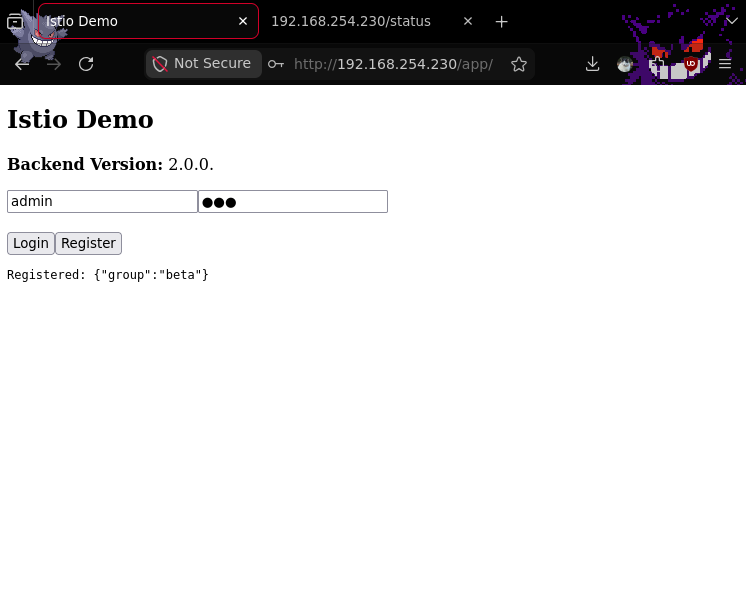
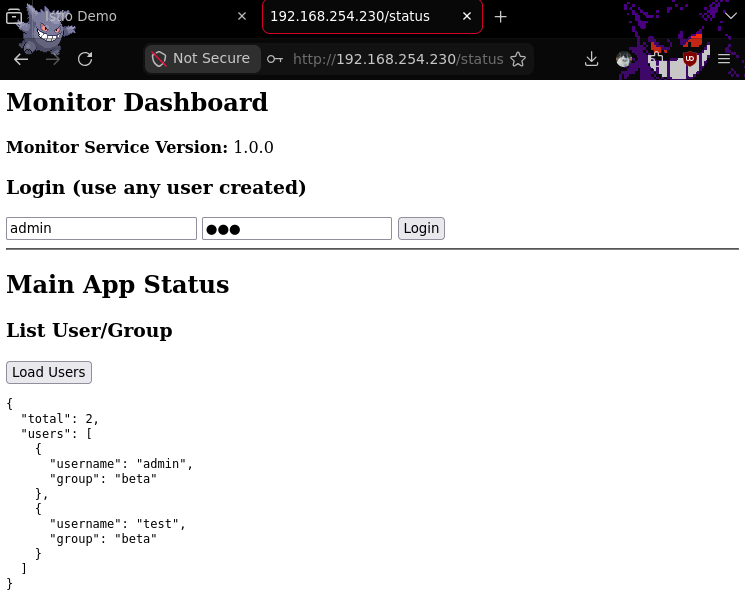
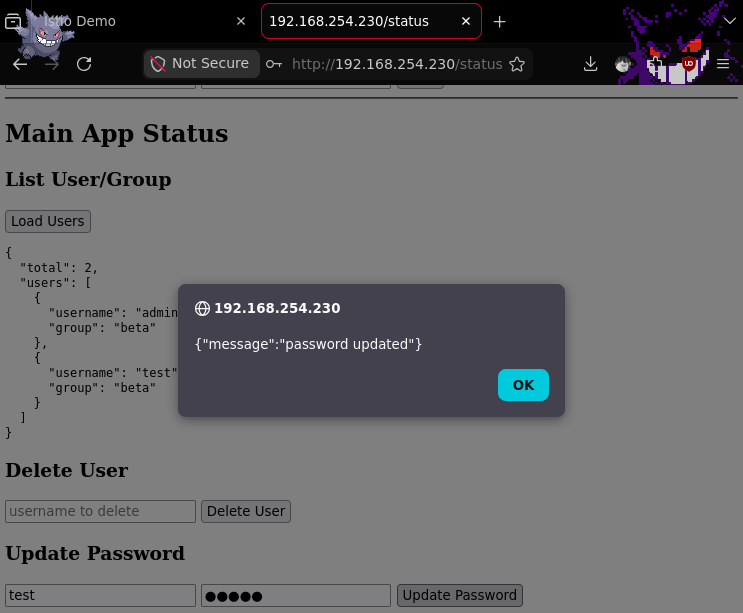
Check screenshot below.